
SpeakSteady Alternative — Cross-Platform AI Teleprompter With Voice Tracking and Screen-Recording Invisibility
SpeakSteady is a free Windows-only teleprompter on Microsoft Store, marketed for business professionals, educators, and webinar hosts who want eye-level scripts. ShareSpeak adds the capabilities Windows users hit a wall with: AI voice tracking that follows your speech, OS-level invisibility to Zoom screen share and screen recording, and the same app running native on Mac and Linux for cross-team workflows. $14.99 once, everything included. That OS-level invisibility makes it a true invisible teleprompter — the script stays out of Zoom screen shares and screen recordings.
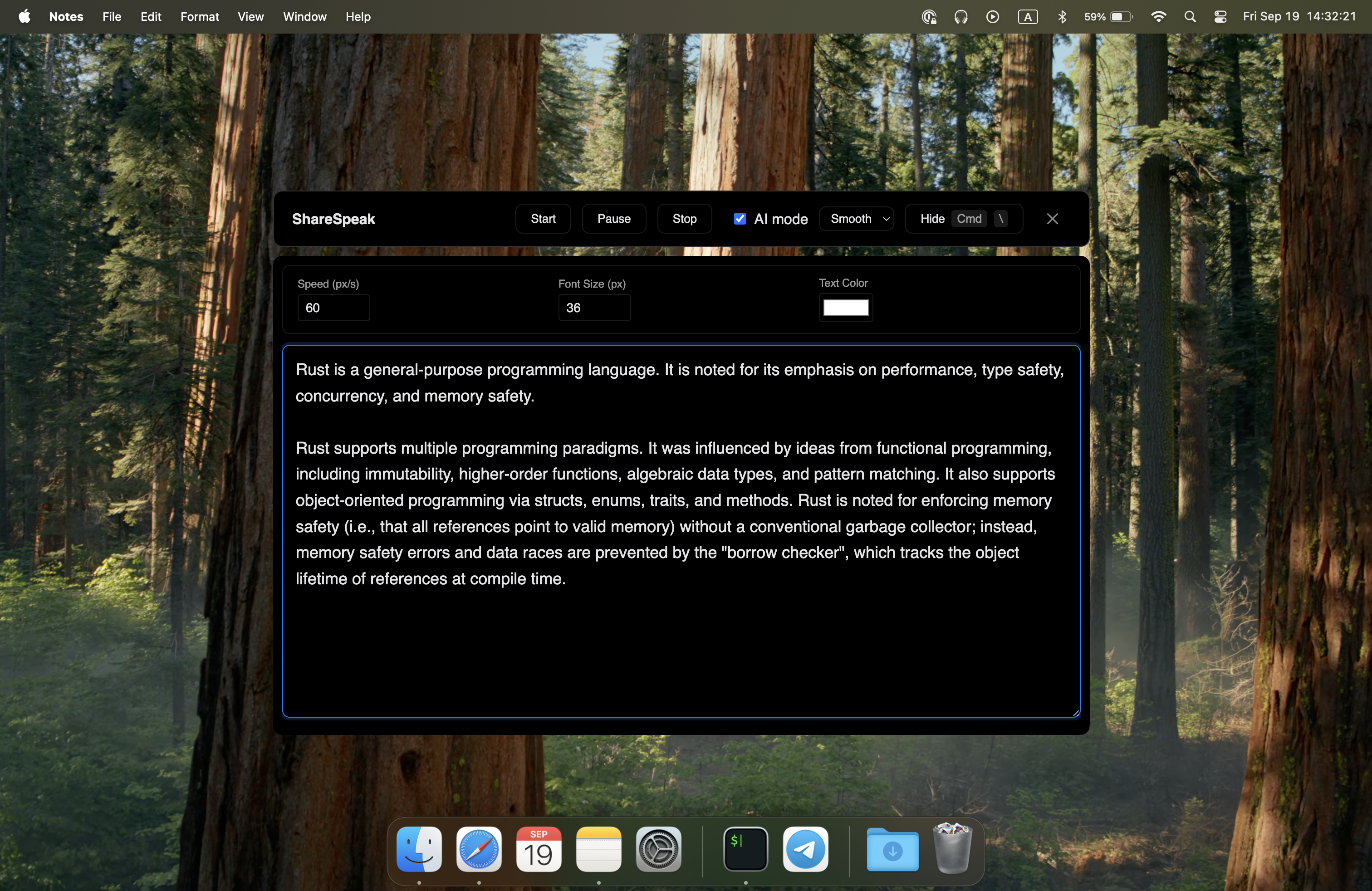
| Feature | ShareSpeak | SpeakSteady |
|---|---|---|
| Pricing | $14.99 once, no IAP | Free (Microsoft Store) |
| Platforms | Windows + Mac + Linux | Windows only |
| AI Voice Tracking | ✓ | ✗ |
| Invisible to Screen Share | ✓ | ✗ |
| Invisible to Screen Recording | ✓ | ✗ |
| Works in Zoom/Teams/Meet | ✓ | Visible to participants |
| Distribution | Direct download, no admin | Microsoft Store only |
| Best For | Active creators, cross-team | Solo Windows users, casual |
SpeakSteady Works — Until You Need It to Stay Invisible
SpeakSteady covers the basic teleprompter use case on Windows: script on screen, eye-level positioning, free download from Microsoft Store. For a Windows user practicing a speech or reading a rehearsed presentation to camera, that's enough.
For the audience SpeakSteady actually markets to — business professionals pitching investors, educators teaching online classes, presenters hosting webinars, video conference hosts — the limits show up fast:
- Investors see the teleprompter — pitching on Zoom or Teams with screen share, SpeakSteady appears in the captured output. Your investor sees you reading. Bad signal.
- Online classes show the script — students see your prep notes during screen share or in the recording uploaded to your LMS. Defeats the polished delivery you're going for.
- Webinar audiences notice the prompter — sharing slides with attendees, the teleprompter window appears in the same capture. Your audience sees the scaffolding, not the performance.
- Fixed-speed scrolling fails live — Q&A breaks your scroll pace, audience interruptions reset your timing, real conversations don't follow rehearsed scripts.
- Windows-only locks teams — if your team is mixed (some on Mac, some on Windows, some on Linux), SpeakSteady can't be the standard. Different reps need different tools.
- No cross-platform sync — your scripts only exist on the Windows machine SpeakSteady is installed on. Switch laptops or platforms and your prep is stranded.
ShareSpeak addresses each of these: OS-level invisibility means the script never appears in any screen share or recording, AI voice tracking follows your natural conversation pace, and the same app runs native on Windows, Mac, and Linux. $14.99 once.
What Windows Users Get Going Beyond SpeakSteady
OS-Level Invisibility — The Difference for Investor Pitches and Webinars
SpeakSteady is a standard Windows window. When you share your screen on Teams or Zoom, when you record with OBS or Camtasia, SpeakSteady appears in the captured output. Your audience sees the teleprompter window.
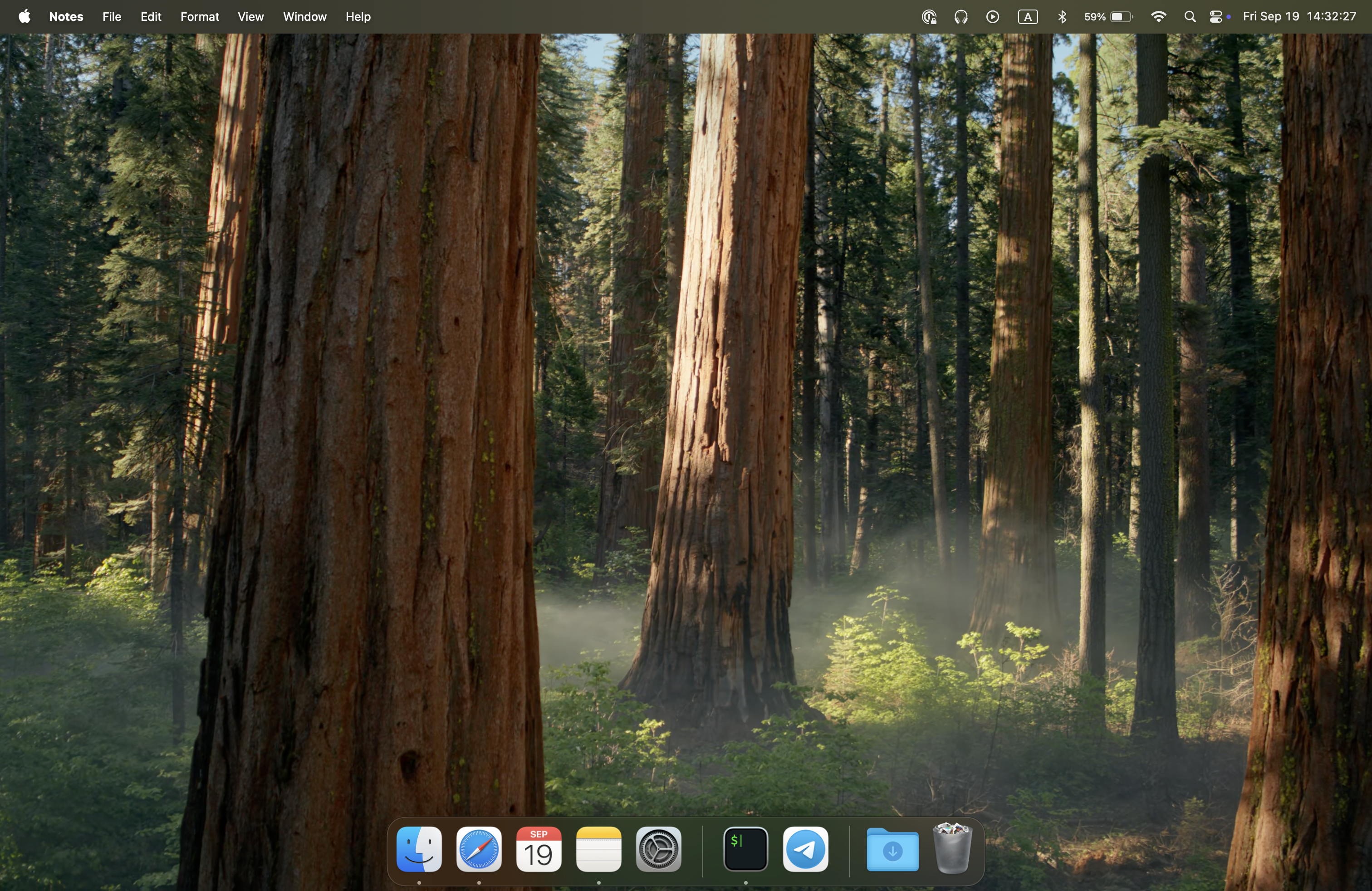
ShareSpeak is excluded from screen capture at the OS level. Whether your audience views via:
- Microsoft Teams screen share — the share output never contains the overlay
- Zoom screen share or cloud recording — invisible to both
- Google Meet presentation — same invisibility
- Camtasia tutorial recording — tutorials capture only the demo, never the script
- OBS Studio streaming — streams to Twitch, YouTube, Kick stay clean
- Loom async recordings — recipients see polished delivery
This is the single biggest capability gap between SpeakSteady and ShareSpeak for the audience SpeakSteady markets to. Free is great, but free-and-visible-to-your-investors is a non-starter for high-stakes pitches.
AI Voice Tracking — For Real Conversations, Not Rehearsed Reads
SpeakSteady uses manual or fixed-speed scrolling — the standard Windows teleprompter model. For a one-shot read of a 60-second script, fixed-speed works. For real business use:
- Investor pitches — partners interrupt with questions, you pause to answer, fixed scroll doesn't wait
- Webinars with Q&A — audience questions reset your pacing, you fall ahead or behind the scroll
- Sales demos — prospect-driven detours break manual pace
- Online classes — student questions and impromptu explanations disrupt scroll timing
- Long-form presentations — 30-60 minute talks drift in pace, manual scroll mismatches accumulate
ShareSpeak's on-device AI speech recognition follows your voice naturally:
Cross-Platform — Same App on Windows, Mac, and Linux
SpeakSteady runs only on Windows. For solo Windows users that's fine. For real-world team scenarios:
- Mixed Windows + Mac teams — sales orgs with Windows AEs and Mac SEs need one tool both can use
- Personal laptop on Mac, work laptop on Windows — same scripts, same workflow, same app
- Switching jobs to a Mac shop — your teleprompter follows; no re-learning a new tool
- Linux power users — bootcamp instructors, devs, content creators on Ubuntu/Fedora setups
- Team-wide rollout — buy ShareSpeak across the org without checking each person's OS
One $14.99 license covers Windows 10/11, macOS (Apple Silicon + Intel), and major Linux distributions. Switch laptops, change companies, join a mixed team — ShareSpeak follows.
Direct Download — No Microsoft Store Account Required
SpeakSteady distributes through Microsoft Store. That's fine for personal Windows machines, but introduces friction in some scenarios:
- Corporate Windows endpoints — many enterprise machines have Microsoft Store disabled by IT policy
- Older Windows installs — Windows 10 LTSC and similar editions ship without the Store
- Microsoft Account requirement — Store often requires sign-in, which corporate users sometimes can't or don't want to do
- Update timing controlled by Store — you don't choose when Store updates fire
ShareSpeak distributes via direct download from sharespeak.co. Install to your user folder without admin rights or Microsoft Account. Same risk profile as Notion or Slack desktop. Updates happen when you choose.
Built for the Use Cases SpeakSteady Markets To
SpeakSteady positions for "business professionals, educators, presenters" — investor pitches, webinars, online classes, video conferences. These are exactly the scenarios where ShareSpeak's invisibility and voice tracking matter most:
- Investor pitches — VC's see the slides on share, not your script overlay. Voice tracking holds across the inevitable Q&A.
- Online educators — students see lesson content during screen share, the lesson plan stays on your side. Voice tracking adapts to spontaneous student questions.
- Sales demos on Teams/Zoom — prospects see the product, your scripted value props stay private. Voice tracking holds through objection handling.
- Webinars and corporate presentations — audience sees polished delivery; the prep notes stay hidden. Voice tracking survives audience interaction.
- Remote job interviews — your STAR stories and questions to ask stay on screen for you, invisible to the interviewer.
When SpeakSteady Is the Right Choice
Honest framing — ShareSpeak doesn't replace SpeakSteady for every Windows user. Choose SpeakSteady when:
- Casual personal Windows use — solo practice reads, rehearsals not shared with anyone, single-platform workflow
- Budget-zero requirement — you specifically need free with no purchase
- Microsoft Store install preference — you want all software through Store for consolidated management
- Recording without screen sharing — if your script doesn't need to stay invisible (e.g., camera-only recording with no screen capture)
- Single-platform Windows-only team — your entire team is on Windows and will be for the foreseeable future
For everyone else on Windows — sales reps doing remote demos, founders pitching investors, educators broadcasting classes, presenters hosting webinars, anyone whose script needs to stay invisible to viewers — ShareSpeak's $14.99 unlocks capabilities free Windows teleprompters don't offer.
For Windows Users Whose Script Should Stay Hidden
Windows-Based Sales Reps
Enterprise Windows laptops running Teams or Zoom sales demos. Script overlay invisible during screen share to the prospect.
Founders Pitching Investors
Pitch deck on Zoom screen share, ShareSpeak invisible to the VCs reviewing. Voice tracking holds across partner Q&A.
Online Educators on Windows
Teachers, professors, bootcamp instructors recording or live-streaming lessons. Lesson plans hidden from student view.
Webinar & Workshop Hosts
Corporate webinars, training sessions, virtual conferences. Audience sees polished hosting; prep stays hidden.
Windows Streamers
OBS, Streamlabs, Twitch Studio streamers on Windows. Script overlay invisible to the stream output across all destinations.
Cross-Platform Teams
Mixed Windows + Mac teams that need one tool everyone can use. SpeakSteady doesn't reach Mac users; ShareSpeak does.
The Honest "Free vs $14.99" Math
SpeakSteady's biggest selling point is the price: zero. ShareSpeak's $14.99 has to earn the gap.
SpeakSteady ($0) covers:
Script on screen for solo Windows users. Manual or fixed-speed scrolling. Free download via Microsoft Store. Windows-only platform.
ShareSpeak ($14.99 once) adds:
- • AI voice tracking that follows your speech naturally
- • OS-level invisibility to Zoom/Teams/Meet screen share
- • Invisible to screen recording tools (OBS, Camtasia, ScreenFlow, Loom)
- • Native Mac and Linux support for cross-team workflows
- • MacBook notch integration (for Mac users on the team)
- • No Microsoft Store dependency — works on enterprise Windows endpoints
If any of these capabilities matter for your specific use case, $14.99 once is the cheapest path to them. If none of them matter, SpeakSteady's free option is genuinely fine.
Compare to other Windows-relevant teleprompter options: PromptSmart Pro at $9.99/month subscription, VODIUM at $15/month, Teleprompter.com at $20/month, Elgato Prompter at $299 hardware. ShareSpeak hits the lowest one-time cost among Windows AI teleprompter options that include voice tracking and screen-recording invisibility. For the full lineup, browse our teleprompter alternatives hub.
Native Windows — Plus Mac and Linux
ShareSpeak runs native on Windows 10 and Windows 11 with the same feature set as Mac and Linux versions. If your team mixes platforms, one license per person covers everyone.
$14.99 once per user. One license covers all three platforms forever.
Windows Teleprompter With Invisibility and Voice Tracking
Download ShareSpeak for Windows. Get AI voice tracking, OS-level invisibility to Zoom/Teams/Meet screen share, and the same app on Mac and Linux for cross-platform teams. $14.99 once.
Use code FIRST100 for 25% off — $11.24 instead of $14.99
Frequently Asked Questions
Is SpeakSteady free? What's the catch?
SpeakSteady is listed as a free download on Microsoft Store. The trade-off is platform scope: Windows only, no Mac or Linux. It also lacks the AI voice tracking and OS-level screen-recording invisibility that purpose-built AI teleprompters offer. For occasional single-platform use on Windows, free is a fine starting point. For active creators across platforms, the limitations stack up.
Does ShareSpeak run on Windows like SpeakSteady?
Yes. ShareSpeak is a native Windows desktop app — runs on Windows 10 and Windows 11 with the same feature set as the Mac and Linux versions. AI voice tracking, OS-level invisibility, no character limits, all included from day one.
Why pay $14.99 when SpeakSteady is free?
Different value propositions. SpeakSteady covers the basic "script on screen" use case for free on Windows. ShareSpeak adds AI voice tracking that follows your speech naturally, OS-level invisibility so the script never appears in Zoom screen shares or screen recordings, and cross-platform support (Mac + Linux + Windows). For sales reps, course creators, streamers, and anyone whose script needs to stay invisible to a recording or video call, the $14.99 buys real capabilities free Windows teleprompters don't offer.
Will ShareSpeak appear in my screen recording or Zoom screen share?
No. ShareSpeak is invisible at the OS level — Camtasia, OBS, ScreenFlow, Zoom screen share, Teams, Google Meet, Loom, and every other screen capture tool can't see it. Your finished recording and your screen share to the audience contain only what was legitimately captured. SpeakSteady doesn't claim this level of invisibility, which matters most when you're sharing your screen during a sales demo or recording a tutorial.
Does it have AI voice tracking that SpeakSteady doesn't?
Yes. ShareSpeak uses on-device AI speech recognition to follow your voice — the script advances at your natural pace, pauses when you pause, speeds up when you speed up. SpeakSteady is a standard scrolling teleprompter without AI voice tracking. For short rehearsed scripts, fixed-speed scrolling is fine. For live conversations, sales calls, interviews, and long-form streams, voice tracking is the difference between script support and script fighting.
Can I use both — SpeakSteady free for quick scripts, ShareSpeak for real work?
Yes. They don't conflict. Some Windows users keep SpeakSteady installed for casual use and add ShareSpeak when they need voice tracking, screen-recording invisibility, or Mac/Linux compatibility for cross-team work. Different tools for different jobs.
Works with Microsoft Teams, Zoom, and Google Meet?
Yes. ShareSpeak is invisible to all video call platforms during screen share — Microsoft Teams, Zoom, Google Meet, Webex, and any other tool. Your script overlay stays visible to you while the audience sees only your shared screen. This is especially relevant for the business professionals, educators, and presenter audience SpeakSteady targets.
Team or enterprise licensing for Windows orgs?
Each person buys their own — $14.99 once per user. For a 10-person Windows sales team, $149.90 total forever. No annual renewal, no per-seat creep, no Microsoft 365 admin involvement. ShareSpeak installs to the user folder without admin permissions, fitting standard endpoint policies for user-level apps.
Windows-Native AI Teleprompter With Invisibility SpeakSteady Doesn't Offer
Voice-tracked. Invisible to screen share and recording. Windows + Mac + Linux. $14.99 once, no Microsoft Store dependency.
Get ShareSpeak — $14.99