
Updated: July 2026
OBS Teleprompter: 3 Ways to Set One Up (Plugin, Browser Dock, Invisible App)
OBS Studio doesn't ship with a teleprompter, so you add one yourself. There are three real ways to do it: install a community plugin or script, dock a web teleprompter as a private panel, or run a separate desktop app that's invisible to OBS capture. Here's how each works, and when to pick which.
Method 1 — A teleprompter plugin or script
OBS supports plugins and scripts (Tools → Scripts, or dropping a plugin into the plugins folder). The community has built teleprompter add-ons — dockable panels and Lua/Python scripts — that live inside OBS and scroll a script for you.
Rough steps:
- Find a maintained OBS teleprompter plugin or script (check the OBS forums and GitHub, and confirm it supports your OBS version).
- Install it — plugins go in the OBS plugins folder; scripts load via Tools → Scripts.
- Add it as a dock or source, paste your script, and set the scroll speed and font.
- Keep the panel on your side of the setup (or off-canvas) so it isn't in the recording.
Good if: you want it free and inside OBS and don't mind tinkering. Watch out: third-party add-ons can break on OBS updates, some are unmaintained, and setup is technical. Scroll is usually fixed-speed.
Method 2 — A web teleprompter as a Custom Browser Dock
OBS can load any web page as a Custom Browser Dock — a private panel docked inside OBS that only you see (unlike a Browser Source, which goes into your scene and is streamed). Point a dock at a web teleprompter and you get a prompter panel without installing anything.
Rough steps:
- Open a web teleprompter in your browser and load your script (many have a free tier).
- In OBS, go to Docks → Custom Browser Docks, give it a name, and paste the teleprompter's URL.
- Dock the panel where you can read it while you present.
- Do not add the teleprompter as a Browser Source in a scene — that would put it in your stream for viewers to see.
Good if: you already use a web teleprompter and want zero install. Watch out: it needs an internet connection and often an account, the dock is a fixed panel, and free web tiers can watermark any video you export from them.
Method 3 — An invisible desktop app (ShareSpeak)
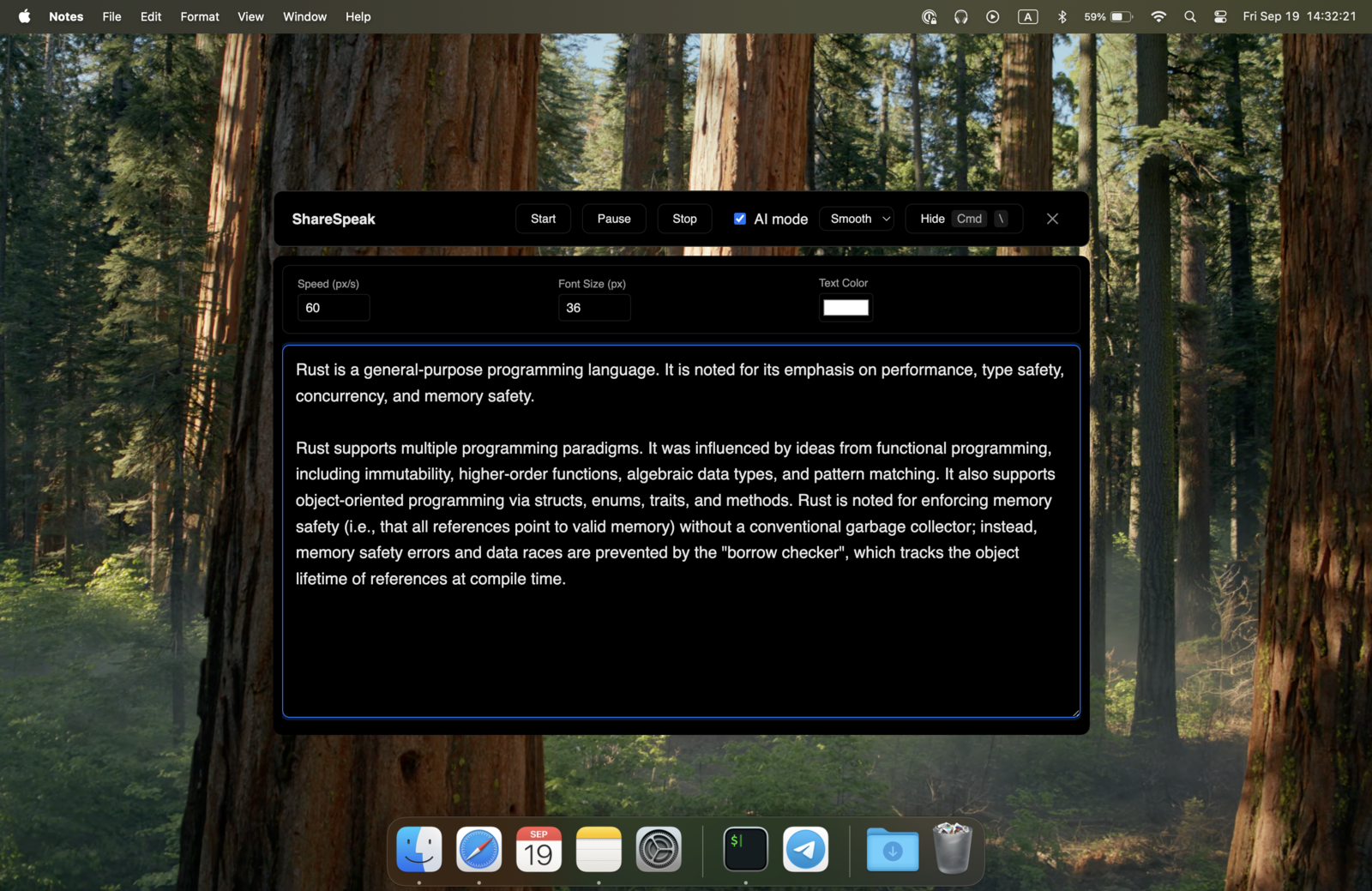
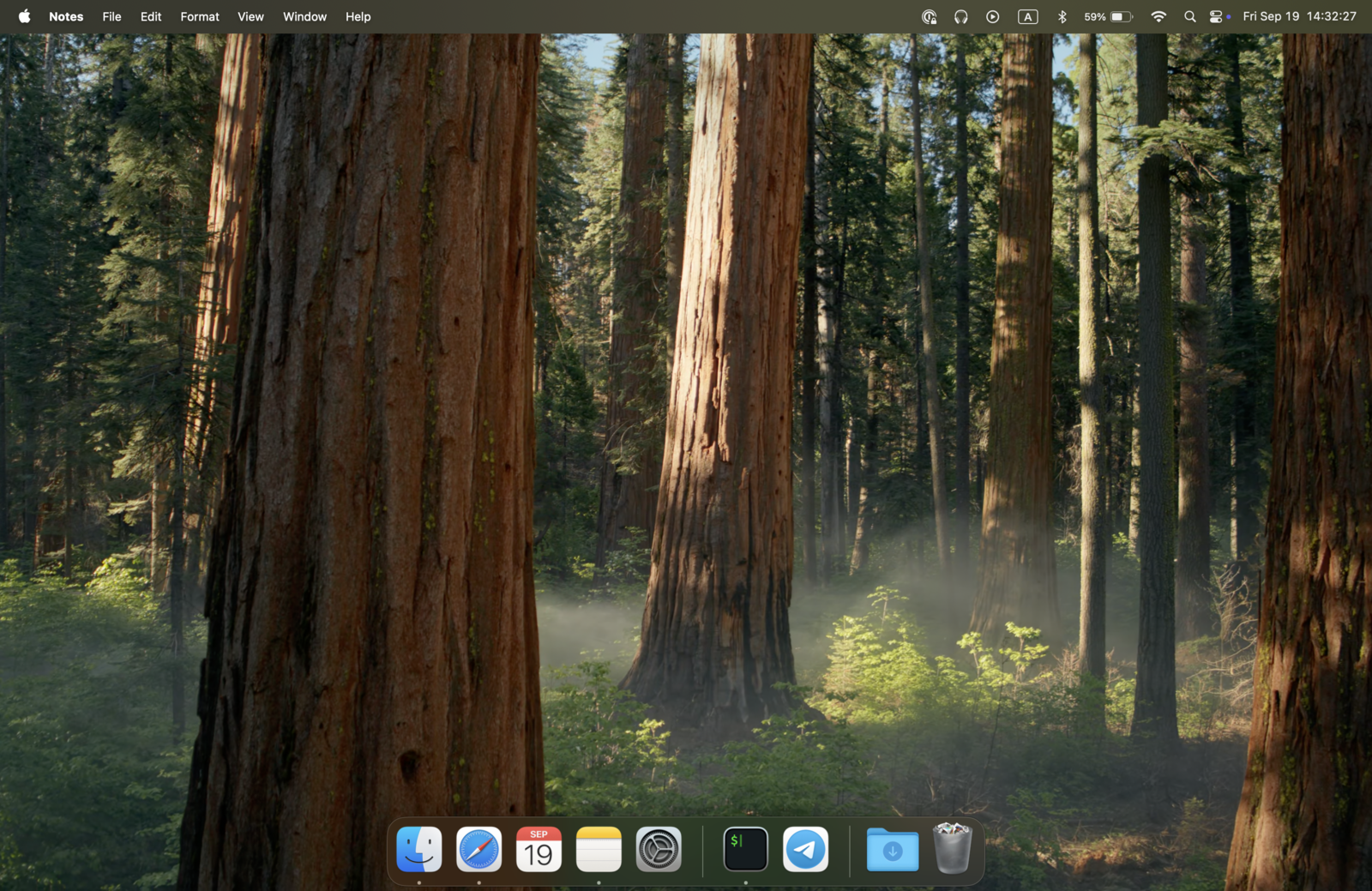
Full disclosure: ShareSpeak is our app. Instead of living inside OBS, it's a native overlay that floats over your whole screen but is invisible to OBS's Display, Window, and Game capture at the OS level. You read your script; OBS records and streams a clean image. There's no plugin to maintain and no dock to wire up — it's the same approach as our invisible teleprompter for screen sharing.
Rough steps:
- Download ShareSpeak for Mac or Windows and install it — no account.
- Paste your script into its Scripts Library (live word count + speaking-time estimate).
- Position the overlay where you'll read, then start OBS as usual — it won't capture ShareSpeak in any scene.
- Speak; voice-following scrolls the script at your pace instead of a fixed speed.
Good if: you want the least OBS setup, an overlay that never lands in your capture, and voice-following. The honest trade-off: it's a paid app ($14.99 one-time) and desktop-only — if you specifically want a free, in-OBS option, methods 1 and 2 are the better call.
Which method should you use?
| Method | Cost | Best for |
|---|---|---|
| 1. Plugin / script | Free | Inside OBS, don't mind technical setup or occasional breakage |
| 2. Custom Browser Dock | Free tier | Already use a web teleprompter, want no install (needs internet) |
| 3. Invisible app (ShareSpeak) | $14.99 once | Least setup, never in the capture, voice-following, offline |
Recording something other than OBS too? The same invisible-overlay idea works for a teleprompter with Streamlabs or a YouTube screen recording. And if you're comparing dedicated apps, our teleprompter alternatives hub lines up 25 of them. Running OBS on a PC? See our ranking of the best teleprompter software for Windows.
Want the no-setup route?
If you'd rather skip plugins and docks, ShareSpeak (method 3) floats over OBS invisibly for a one-time $14.99 — but methods 1 and 2 are free if you'd rather stay inside OBS.
Use code FIRST100 for 25% off — $11.24 instead of $14.99
OBS teleprompter FAQ
Does OBS Studio have a built-in teleprompter?
No. OBS Studio has no native teleprompter as of 2026. You add one in one of three ways: a community plugin or script that runs inside OBS, a web teleprompter loaded as a private Custom Browser Dock, or a separate desktop teleprompter app that floats over your screen. Each has trade-offs, covered below.
Will my viewers see the teleprompter in OBS?
It depends how you add it. If you add a web teleprompter as a Browser Source inside a scene, it becomes part of your stream — viewers see it. If you use a Custom Browser Dock (a private panel) or a desktop app that's invisible to screen capture, viewers see nothing. For a prompter only you should see, avoid putting it in the scene.
Is there a free teleprompter for OBS?
Yes. Community teleprompter scripts/plugins for OBS are free, and most web teleprompters have a free tier you can dock inside OBS. The catch is setup and reliability: plugins can break on OBS updates and are technical to configure, and free web tiers often watermark recordings. A dedicated app trades a one-time cost for less fiddling.
What's the easiest teleprompter to use with OBS?
The method with the least OBS setup is a desktop teleprompter app that's invisible to capture — you don't touch OBS's scenes or sources at all; it just floats over your screen while OBS records a clean image. (Full disclosure: that describes our app, ShareSpeak — method 3 below. The plugin and browser-dock methods are genuinely better if you want a free, in-OBS solution.)
Can I get voice-controlled scrolling in OBS?
Most OBS teleprompter methods scroll at a fixed speed you set. Voice-following (the script scrolls as you speak) usually comes from a dedicated app rather than an OBS plugin. ShareSpeak does voice-following; many free plugins and web teleprompters are fixed-speed or manual.