
Teleprompter for Sales Demos — Hit Every Value Prop, Handle Every Objection, Close More Deals
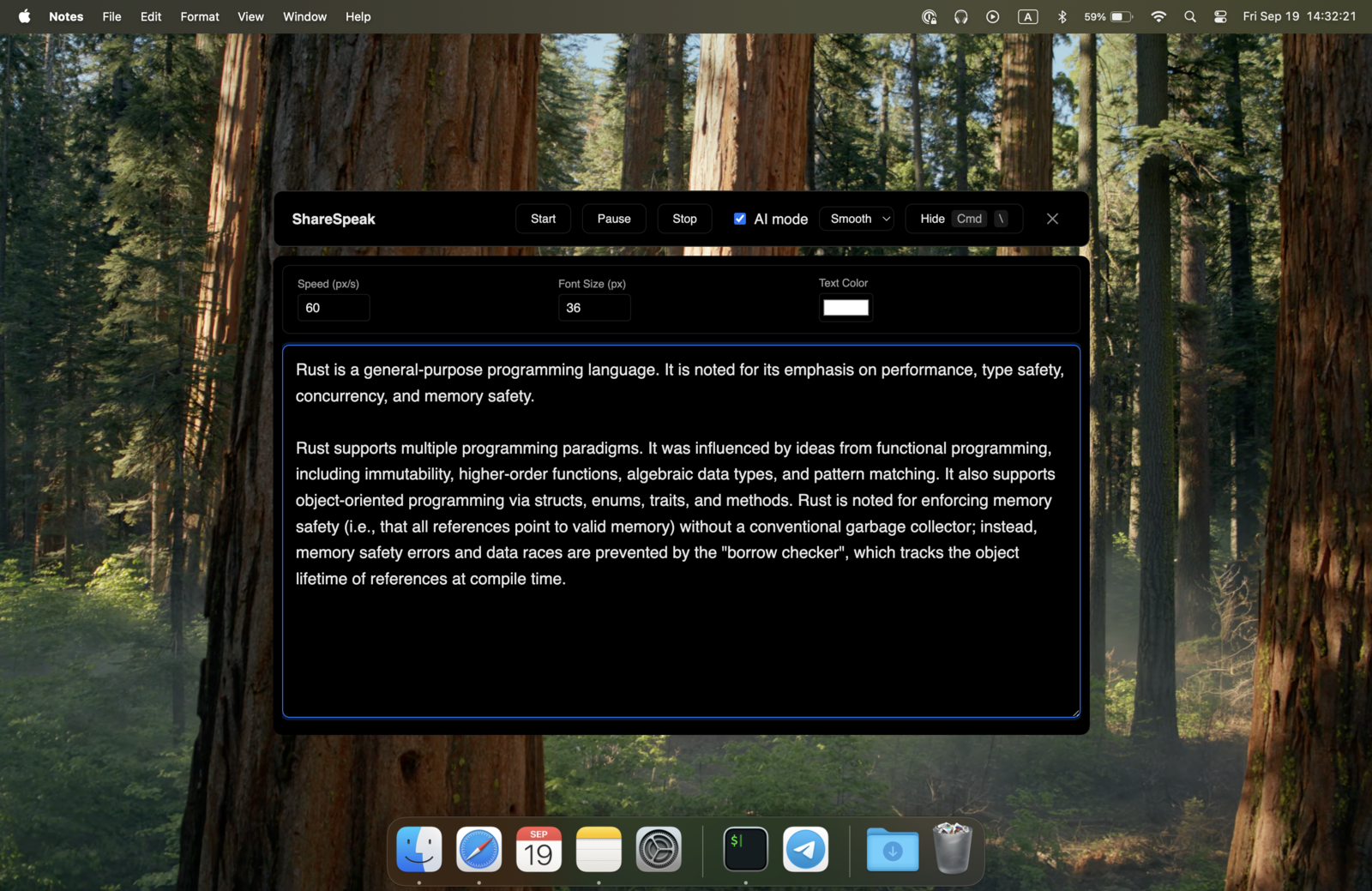
You've got 30 minutes with the prospect's CFO. Your job is to nail the demo, recite the right ARR numbers, handle the inevitable "what about security?" objection, and close on next steps. ShareSpeak puts your script on screen — invisible to the prospect — so you never forget the line that closes the deal. $14.99 once. Pays for itself if it saves one demo per career.
The Sales Demo Reality Every AE Knows
You walked into this demo knowing exactly what to say. You spent 45 minutes prepping. You memorized the account-specific value props, the integration story for their stack, the three objections you expected. You knew the close.
Then 18 minutes in, the VP of Engineering asks a question you didn't see coming. You handle it. But now you've broken your flow. You blank on the ROI number from slide 7. You forget to mention the SOC 2 cert that closed the last deal in this vertical. You skip the close because you're rattled. The deal slips to next quarter.
The cope without ShareSpeak:
- PowerPoint speaker notes — invisible to the prospect, but only if you're not screen sharing. The second you share the deck or demo, they're gone.
- Battle card on a second monitor — your eyes drift sideways, and the buyer notices on every single call.
- Notion doc on a phone — looking down constantly, breaking eye contact, looking unprepared.
- Memorize everything — works on rehearsed demos, fails the moment a stakeholder asks something unexpected.
- "Let me get back to you on that" — sometimes legit, often a confidence killer mid-pitch.
ShareSpeak fixes this. Your account-specific script floats on top of the demo — visible to you, invisible to the prospect. The objection responses, the ROI math, the close — all right there when you need them.
Built for the Realities of B2B Sales Calls
Invisible During Screen Share — and in Call Recordings
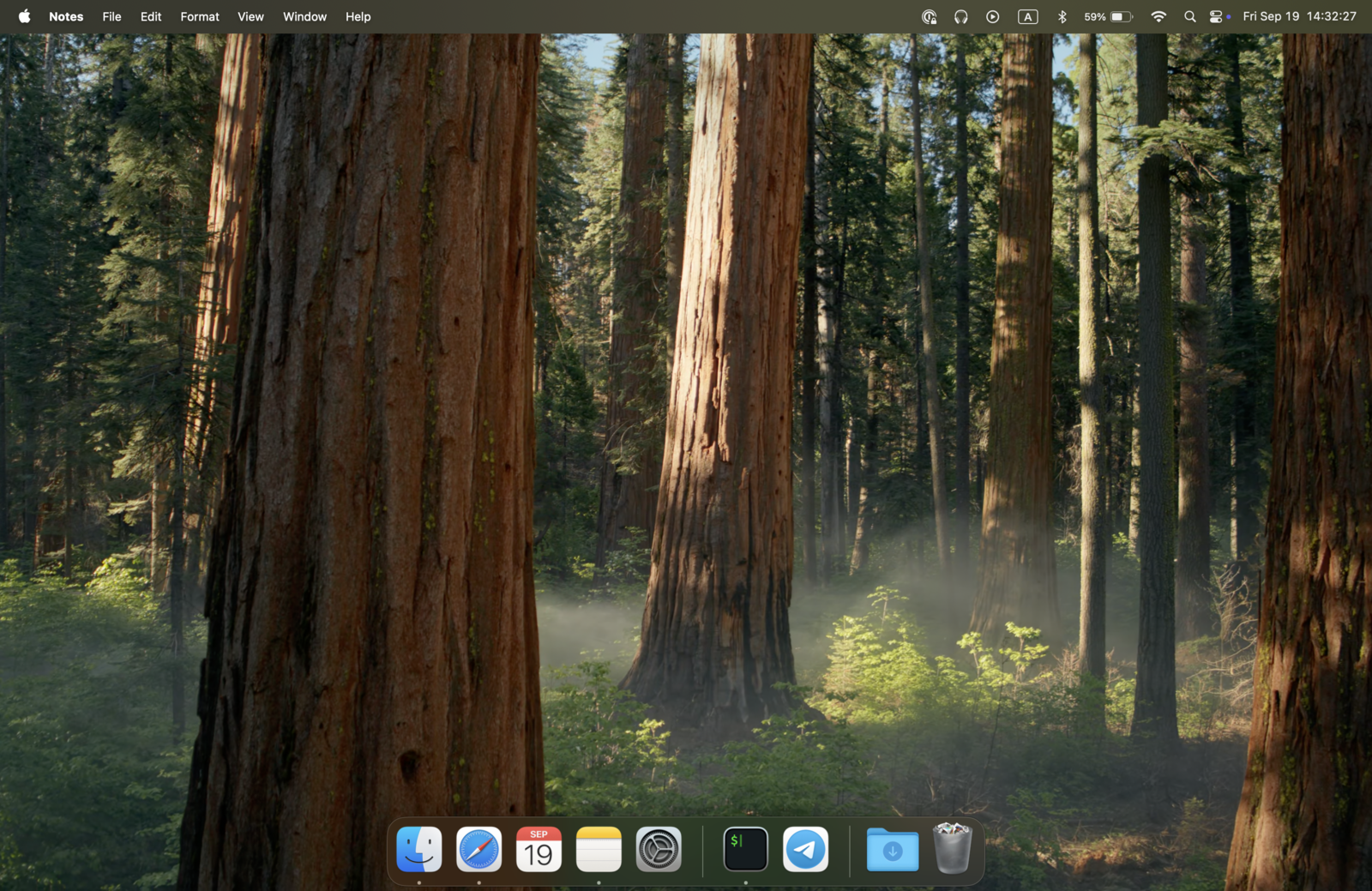
When you share your screen on Zoom, Teams, or Google Meet — for slides, the product demo, a Salesforce dashboard, a Looker chart — ShareSpeak is excluded from the capture at the OS level. The window genuinely doesn't exist in the shared output.
This also means it's invisible in Gong, Chorus, or Avoma recordings. Your manager reviews the demo tomorrow and sees clean execution — not someone reading off a doc. Your QA / coaching reviews stay focused on what you said, not where you got it from.
AI Voice Tracking — Survives Objections, Tangents, and Stakeholder Pile-Ons
Sales calls aren't monologues. You're presenting, then handling an objection from procurement, then jumping to a feature your champion specifically asked about, then back to the demo flow. You can't be hunting for the scroll button while a CTO is asking about your data residency story.
ShareSpeak follows your voice. The script moves at your exact pace, no input needed:
- VP Eng asks about SSO? Pause to answer — the teleprompter waits.
- Champion wants to see the integration with their HubSpot? Switch tabs — pick up where you left off.
- CFO interrupts with pricing pushback? Go to your objection-handling section — your prepared response is right there.
- Discovery call going long? Speed through the qualification questions — text keeps up.
Per-Account Scripts — Personalize Every Call Without Overhead
Good sales reps prep per-account. Bad sales reps reuse the same demo for everyone. ShareSpeak makes per-account prep frictionless:
- Account-specific value props — your champion mentioned they're moving off Salesforce; have that callout ready.
- Their tech stack referenced — "I see you're using Snowflake — here's our integration..."
- Discovery answers they gave you — reference the pain they told you in call 1 during the demo in call 2.
- ICP-specific case studies — keep the right customer success story for their industry/size ready.
- Stakeholder-specific concerns — security objections for their CISO, ROI math for their CFO.
Paste your prep notes into ShareSpeak before the call. Run the demo with personalization that would otherwise require memorizing 50 facts per prospect.
Objection Library at Your Fingertips
Every sales rep has the same 10-15 objections they hear every week. "Too expensive." "We already use X." "Not the right time." "Need to talk to legal." "How do you compare to Y?"
Most reps have the right answers — they just blank under pressure. ShareSpeak keeps your tested objection responses one glance away:
- Pricing pushback — your value-based reframe is right there
- Competitor mention — your differentiation talking points cued up
- "Send me more info" — your discovery-deflection script ready
- Technical objection you're not 100% on — your bridge ("great question, let me loop in our SE") prepped
No more "uh, that's a great question — let me think" filler. You sound prepared because you are.
Prefer an AI that listens to the call and suggests rebuttals for you, rather than a script you control? That's a different category of tool — see our honest CallPrompter alternative comparison for when a live copilot beats a teleprompter, and when it doesn't.
Works with Every Video Platform Your Buyers Use
You don't pick the meeting platform — the prospect does. Some buyers are Zoom-only. Some companies are deep in Microsoft Teams. Mid-market often uses Google Meet. Enterprise sometimes drags you onto Webex.
ShareSpeak is invisible across all of them:
- Zoom — invisible during screen share, in recordings, in cloud captures
- Microsoft Teams — invisible during PowerPoint Live, screen share, and Teams meeting recordings (OneDrive)
- Google Meet — invisible during screen sharing and Google Drive recordings
- Webex, GoToMeeting, Slack huddles, Discord — same story
- Conversation intelligence tools (Gong, Chorus, Avoma) — invisible in their recordings too
One $14.99 license. Every platform your prospects bring you onto.
No CRM Integration, No IT Approval, No Compliance Headaches
Enterprise sales orgs run on tightly-controlled tech stacks: Salesforce, Outreach, Salesloft, Gong, Highspot. Adding a new tool usually means a 3-month procurement cycle, security review, and vendor onboarding. ShareSpeak skips all of it because:
- No CRM connection — doesn't read or write to Salesforce, HubSpot, or any sales tool. It's a teleprompter, not an integration.
- No data leaves your machine — your scripts, your call prep, your objection notes stay local. Voice recognition runs on-device. Nothing touches the cloud.
- No admin install — user-folder install on Mac and Windows. No IT password required.
- No call recording involvement — your Gong/Chorus setup is untouched. ShareSpeak doesn't record, transcribe, or process the call itself.
Download to your work laptop. Use on your next demo. Zero approval needed.
For Every Sales Role That Lives on Video Calls
Account Executives (AEs)
Demos, discovery calls, multi-thread champion calls, exec-aligned closes. Account-specific scripts for every stage of the deal.
BDRs & SDRs
Cold calls, discovery, qualification scripts (BANT, MEDDIC, MEDDPICC). Stay on framework even when the prospect goes off-script.
Sales Engineers (SEs)
Technical demos with architecture diagrams, code walkthroughs, integration deep-dives. Keep technical talking points on screen during complex calls.
Customer Success Managers (CSMs)
QBRs, renewal calls, expansion conversations. Account history, usage data, and expansion talk tracks always on screen.
Sales Managers & Directors
Forecast calls, pipeline reviews, exec presentations. Numbers, deal context, and accountability scripts ready when your VP asks the hard question.
Founder-Led Sales
Early-stage founders doing demos themselves before hiring AEs. Keep your story consistent across investor calls, customer calls, and partner pitches.
The Math is Embarrassingly Simple
Sales reps don't need a 12-slide ROI deck to justify a $14.99 spend. Here's the math:
Average enterprise ACV: $25K–$150K
AE quota: $1M–$2M/year
One forgotten value prop or fumbled objection: can lose a $50K deal
ShareSpeak: $14.99, one-time, forever
If ShareSpeak helps you close ONE additional deal in your entire career, ROI = ~400,000%.
Compare to the alternatives: VODIUM charges $15/user/month ($180/year/rep). A 10-person sales team = $1,800/year — versus $149.90 once with ShareSpeak. Sales ops loves this calculation.
Works on Whatever Laptop Sales Issues You
Some orgs are all-MacBook (consumer/SMB tech). Most enterprises are Windows-dominant. ShareSpeak runs natively on both. Demoing from a PC? See our pick for the best teleprompter for Windows 11.
$14.99 per rep — once, forever. No annual contracts, no per-seat creep, no procurement headaches.
Your Next Demo Could Be the One That Closes
Download ShareSpeak before your next sales call. Paste your account-specific script, your objection responses, your close. Run the demo with the confidence of a rep who's done this exact call a hundred times. $14.99 — less than your weekly coffee tab.
Use code FIRST100 for 25% off — $11.24 instead of $14.99
Frequently Asked Questions from Sales Reps
Will the prospect see I'm reading from a script?
No. ShareSpeak overlays on your screen but is invisible to screen sharing, recording, and capture. The prospect sees your demo, your slides, your face — never your teleprompter. Combined with AI voice tracking (no clicking to advance text), your delivery looks natural, not robotic.
Does it appear in Gong, Chorus, or Avoma recordings?
No. Conversation intelligence tools capture the same shared output the prospect sees — and ShareSpeak isn't in that capture. Your call recordings stay clean. Coaching reviews and deal forensics happen without anyone seeing your script scaffolding.
Can I prepare different scripts per account?
Yes. Save your script per opportunity — paste in your account-specific value props, the stack they mentioned in discovery, the stakeholder concerns surfaced in pre-call research. Load the right script before each call. Most reps prep this in Notion or Google Docs already; ShareSpeak just puts it on screen during the demo.
Does it work in front of multiple stakeholders on the call?
Yes. ShareSpeak doesn't care how many participants are on the call — it's invisible to all of them. Whether you're demoing to one champion or pitching to a 12-person buying committee with the CEO on the line, your script stays private to your screen.
Will my IT or Sales Ops block this on corporate laptops?
Unlikely. ShareSpeak installs to your user folder (no admin password), doesn't connect to your CRM, doesn't touch corporate networks, doesn't appear in tool inventories or vendor management systems. Same risk profile as Spotify or Notion Desktop — most endpoint policies allow user-level installs of consumer-style apps.
Can my whole sales team use it? Team pricing?
Each rep buys their own license — $14.99 per person, one-time. For a 20-person AE team, that's $299.80 total — forever. No per-seat subscription, no annual renewal, no enterprise sales call. Most VPs of Sales just expense a stack of licenses for the team after a few reps validate it.
Does it work with sales engagement platforms (Outreach, Salesloft)?
ShareSpeak is independent of your sales engagement stack — it doesn't integrate with Outreach, Salesloft, Apollo, or anything else. It's just a script overlay on your screen. So whatever workflow you have for sequences, cadences, dialer — ShareSpeak runs alongside it without conflict.
What about recording compliance — is reading from a script "deceptive"?
No. Reading prepared talking points during a demo isn't deception — it's preparation. Every TV anchor uses a teleprompter. Every keynote speaker uses presenter notes. Sales calls aren't sacred. The prospect cares whether your product solves their problem; they don't care that you have your value props on screen. The script makes you sound more prepared, not less honest.
Stop Losing Deals to Forgotten Talking Points
Your script on screen. AI tracking your voice. Prospects seeing nothing but a confident demo. $14.99. Every platform. Forever.
Get ShareSpeak — $14.99