
Teleprompter for Riverside — AI Voice Tracking on Any Plan, Including Free
Yes, Riverside has a built-in teleprompter. It's locked behind the Pro plan at $29/month — Free and Standard plan users don't get it. ShareSpeak is a native desktop overlay that works on top of Riverside Studio regardless of your plan tier, with AI voice tracking that follows your speech naturally, unlimited script size, and OS-level invisibility to the Riverside recording. $14.99 once. Works on every other tool you use too.
| Feature | ShareSpeak | Riverside Teleprompter |
|---|---|---|
| Pricing | $14.99 Lifetime | $29/month (Pro plan) |
| Works on Riverside Free Plan | ✓ | ✗ |
| Works on Riverside Standard ($19/mo) | ✓ | ✗ |
| AI Voice Tracking | ✓ | ✗ |
| Works for Guests | ✓ | ✓ |
| Native Desktop App | ✓ | Browser only |
| Unlimited Script Size | ✓ | Browser-imposed limits |
| Works Outside Riverside | Zoom/Teams/Meet/OBS | Riverside only |
| 5-Year Cost (3-host show) | $44.97 | $5,220 (3 × $29 × 60) |
Yes, Riverside Has a Teleprompter — Here's the Full Story
Riverside.fm is one of the best browser-based recording platforms for video podcasts and interviews. They added a teleprompter feature and gave it to both hosts and guests, which is actually rare (StreamYard's teleprompter is host-only). For long-form interview shows, it's a real workflow asset.
The catch: the teleprompter is locked behind the Pro plan at $29/month. Riverside's plan tiers:
- Free plan — 2 hours/month recording, 720p, basic editing. No teleprompter.
- Standard ($19/month) — unlimited recording, watermark-free exports, 1080p. No teleprompter.
- Pro ($29/month) — 15 hrs/month, 4K, Magic Audio, Magic Clips, teleprompter included for host and guests.
- Business — custom enterprise pricing.
For most podcasters, the upgrade from Standard ($19) to Pro ($29) is the teleprompter and the AI editing features. If you don't need 4K exports, Magic Audio noise reduction, or Magic Clips — you're paying $10/month extra just for the teleprompter. That's $120/year for one feature.
On top of the price gate, Riverside's teleprompter has the standard browser-based limits:
- Fixed-speed scroll — no AI voice tracking. Long-form interview pacing breaks the sync within 15 minutes.
- Browser-trapped — only works inside Riverside Studio. Doesn't help during your Zoom meeting prep or async Loom messages later in the week.
- Character limits — browser panel imposes a script size cap. Long interview prep with bio facts, follow-ups, and sponsor reads exceeds it quickly.
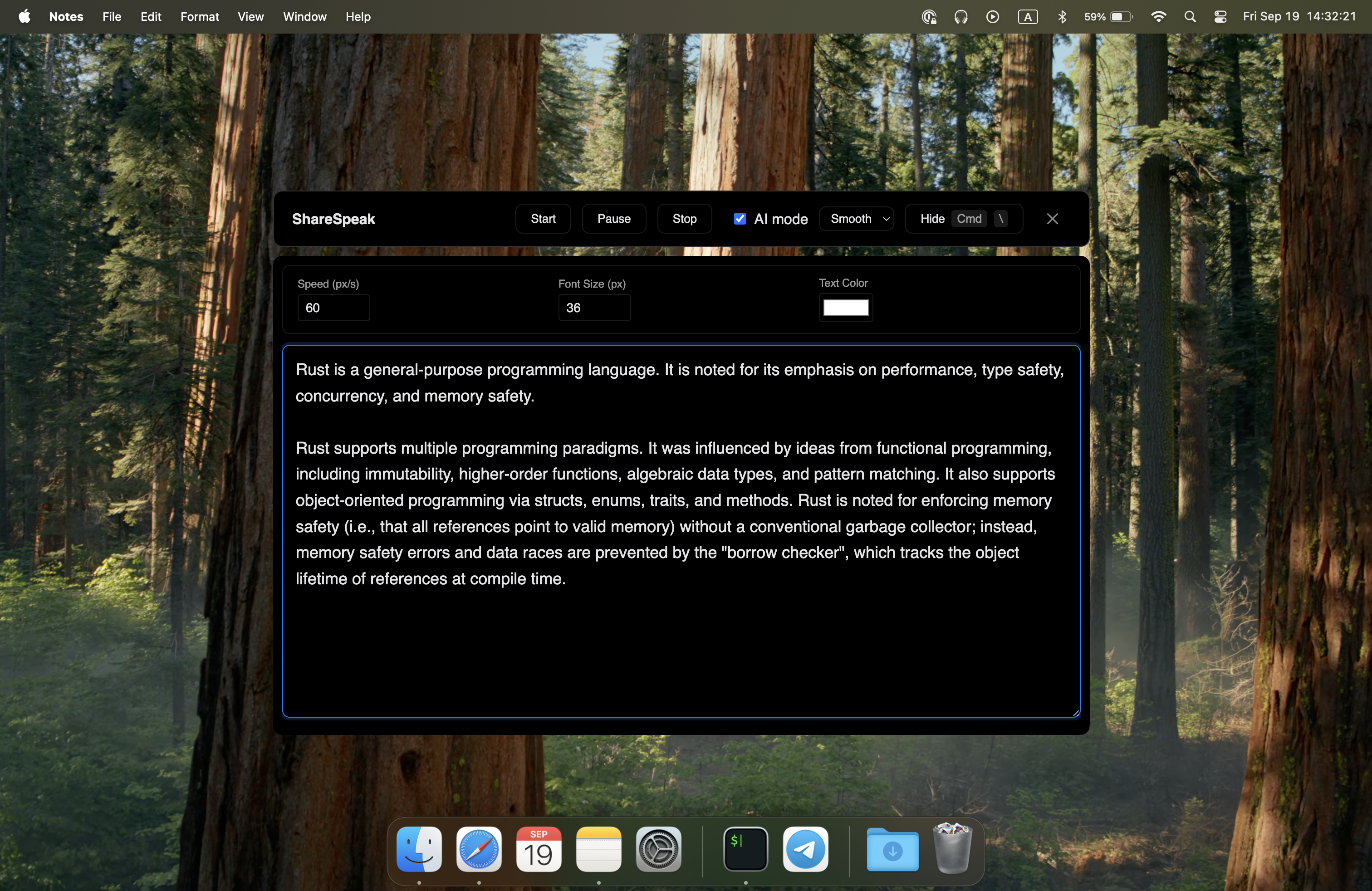
ShareSpeak is a native desktop overlay that runs on top of Riverside Studio regardless of your plan. AI voice tracking, unlimited script size, OS-level invisibility to the Riverside recording, and it works in every other tool you use. $14.99 once.
What ShareSpeak Adds to Your Riverside Workflow
Works on Every Riverside Plan — Free, Standard, Pro
The biggest gap in Riverside's teleprompter is plan-tier lock-in. Free and Standard plan users get nothing. Pro plan users pay $29/month forever.
ShareSpeak is a separate desktop app that doesn't care about your Riverside plan:
- Riverside Free? ShareSpeak works.
- Riverside Standard ($19/mo)? ShareSpeak works.
- Riverside Pro ($29/mo)? ShareSpeak works — and replaces their built-in teleprompter with voice tracking.
- Riverside Business (enterprise)? Same — runs alongside.
If you only upgraded to Pro for the teleprompter access, you can downgrade to Standard and save $120/year — using ShareSpeak's $14.99 lifetime overlay instead.
AI Voice Tracking for Long-Form Interview Pacing
Riverside's built-in teleprompter is a fixed-speed scroller — you set a pace, the text moves. Riverside's AI features (Magic Audio for noise reduction, Magic Clips for short-form repurposing) operate on the recording after the fact, not on the live teleprompter during it.
For 60-90 minute interview shows — Riverside's primary use case — fixed-speed scroll breaks down fast:
- Guest tangents pull you off your scripted question order
- Deep-dive moments slow your delivery; script keeps scrolling past you
- Sponsor reads at brand-mandated cadence don't match your interview rhythm
- Q&A segments (when you have a live audience) destroy any pre-set pace
ShareSpeak's AI voice tracking follows your speech in real time. The script advances at your natural pace, pauses when you pause, speeds up through familiar sections, holds your spot when guests take the conversation sideways.
Works for Guests Too — Each Runs Their Own Instance
Riverside deserves real credit here: their teleprompter supports both hosts and guests, which is genuinely rare (StreamYard's only works for the host). For interview shows where you want your expert guest to have their key talking points ready, Riverside's built-in handles that — if you're on the Pro plan.
ShareSpeak's model is per-user: each person on the Riverside call buys their own $14.99 license and runs ShareSpeak on their own laptop. Each guest's script is invisible to the recording and to the other participants. A 4-person panel can have 4 prepared speakers, each with their own ShareSpeak overlay, each running their own personalized prep. Total cost: $50 for the whole panel, forever — vs Riverside Pro at $29/host/month for the same capability.
Invisible to Riverside's Local High-Quality Recording
Riverside's killer feature is local high-quality recording — each participant's webcam captures locally at up to 4K, then uploads to the cloud after the call. The teleprompter and the local recording happen on separate layers, so the teleprompter doesn't appear in the captured webcam track regardless of which solution you use.
ShareSpeak inherits this benefit: it's invisible at the OS level, doesn't appear in the local webcam capture, doesn't appear in the synced cloud-stored output, doesn't appear when you export the final podcast video. Your interview output is clean.
Same Overlay Across Every Tool You Use
Riverside's teleprompter only exists inside Riverside Studio. If your week includes:
- Monday Riverside interview show recording → built-in teleprompter (if Pro plan)
- Tuesday Zoom sponsor call → no teleprompter
- Wednesday Loom async customer video → no teleprompter
- Thursday OBS solo stream → no teleprompter
- Friday StreamYard live multi-stream → starts from scratch with their built-in teleprompter
ShareSpeak runs across all of them with the same OS-level invisibility:
- Riverside Studio — invisible as native overlay
- Squadcast (now Descript) — same approach, same invisibility
- Zencastr — works identically
- Zoom + local recording setup — common low-budget alternative, ShareSpeak works there too
- Microsoft Teams, Google Meet — for non-podcast calls
- OBS, Streamlabs, Restream — for streamed content
- Loom — for async recordings
One $14.99 license. Every podcast and meeting platform across your show's lifetime.
Unlimited Script Size for Real Interview Prep
Browser-based teleprompters (Riverside's, StreamYard's, Restream's) all impose character limits on the script panel. Real interview prep regularly exceeds them:
- 90-minute interview show with deep guest research: 15,000-30,000 characters
- Guest bio facts, quotes from their book, recent essays: adds another 5,000-10,000 characters
- Sponsor reads at brand-approved cadence: 3,000-5,000 characters per episode
- Pre-prepared follow-ups for controversial topics: 3,000-8,000 characters
ShareSpeak has no character limit. Paste 50,000 characters of full interview prep, voice tracking advances you through it naturally across the whole 90-minute session.
For Every Type of Riverside Show
Long-Form Interview Podcasts
60-90 minute interview shows where Riverside's character cap doesn't cover your guest research. Voice-tracked across the entire session.
Multi-Guest Panel Shows
Roundtables, panel discussions, multi-expert interviews. Each guest runs their own ShareSpeak with personalized talking points.
Riverside Free Plan Hosts
You don't need 15 hours/month or 4K to get teleprompter access. Free Riverside + $14.99 ShareSpeak = full teleprompter workflow.
Standard Plan Subscribers Hitting the Teleprompter Gap
You pay $19/month for unlimited recording and watermark-free exports — but no teleprompter. ShareSpeak adds it without the Pro plan jump.
Non-Native English Hosts
Interviewing in English when it's not your first language. Voice-tracked script support without sounding robotic — especially valuable on Riverside long-form sessions.
Hybrid Workflow Podcasters
Riverside for interview recordings + Zoom for sponsor calls + Loom for outreach. One teleprompter that follows you everywhere.
When Upgrading to Riverside Pro Is Still the Right Call
Honest framing — Riverside Pro isn't just the teleprompter. It bundles features that may matter independently:
- Magic Audio — AI noise reduction on the local tracks. Significant time-saver in post-production.
- Magic Clips — AI-generated short-form clips for social media. Useful if you repurpose episodes heavily.
- 4K video — needed for premium video podcasts on YouTube.
- 15 hours/month recording allowance vs Standard's unlimited but lower-res.
- Live studio add-on — for shows with live audiences.
If you genuinely use 2+ of these features, Pro plan is reasonable. If teleprompter was the main reason for the Pro upgrade — downgrade to Standard, add ShareSpeak for $14.99, save $120/year per host.
The Cost Math for Multi-Year Podcasting
For podcasters who upgraded to Riverside Pro specifically for the teleprompter:
Riverside Pro per host: $29/month = $348/year
5 years on Pro per host: $1,740
3-host show on Pro over 5 years: $5,220
ShareSpeak per host: $14.99 once, forever
3-host show on ShareSpeak: $44.97 — forever
Savings: $5,175 over 5 years for a 3-host podcast — if Pro was for the teleprompter feature alone.
Compare to other podcaster teleprompter options: StreamYard Core at $44.99/mo, Restream Notes (free with paid plans), teleprompter for podcasters use case. ShareSpeak hits the lowest total cost for voice-tracked teleprompter across podcast recording platforms.
Native on Mac, Windows, and Linux
Riverside Studio runs in any browser on any platform. ShareSpeak as native desktop overlay also runs everywhere — same feature set, same invisibility behavior on every platform.
$14.99 once per user. One license covers all three platforms forever.
Teleprompter for Your Riverside Show — Without the Pro Plan Upgrade
Download ShareSpeak before your next Riverside recording. Voice tracking, unlimited script, OS-level invisibility — works on Free, Standard, Pro, or Business plan. $14.99 once vs $29/month per host on Riverside Pro.
Use code FIRST100 for 25% off — $11.24 instead of $14.99
Frequently Asked Questions from Riverside Users
Does Riverside have a teleprompter?
Yes — Riverside's built-in teleprompter is available on the Pro plan ($29/month). It works for both hosts and guests, which is a real strength. The Free plan and Standard plan ($19/month) do not include teleprompter access. If you're on Free or Standard and want a teleprompter, you either upgrade to Pro or use a separate desktop overlay like ShareSpeak alongside Riverside.
Will ShareSpeak appear in my Riverside recording?
No. ShareSpeak is invisible at the OS level — Riverside captures high-quality local video tracks from your webcam, and ShareSpeak isn't on your webcam (it's on your desktop screen). Your finished Riverside recording, the local high-resolution tracks for each participant, and the cloud-stored output contain only what was legitimately captured.
Do I need Riverside Pro to use a teleprompter then?
No. ShareSpeak works regardless of your Riverside plan — Free, Standard, Pro, or Business. If you upgraded to Pro just for teleprompter access ($29/month = $348/year), you can downgrade to Standard or Free and use ShareSpeak's $14.99 lifetime overlay instead. Many podcasters realize they were paying Pro pricing for one feature they can replace with a $14.99 desktop app.
Riverside's teleprompter supports guests too. Does ShareSpeak?
Yes — and credit to Riverside for shipping guest teleprompter support (StreamYard's only works for the host). With ShareSpeak, each guest buys their own $14.99 license and runs it on their own laptop during the Riverside call. Each guest sees their own script overlay; everyone else sees nothing. A 4-person interview can have 4 prepared speakers, each with their own ShareSpeak instance.
Does ShareSpeak have AI voice tracking like Riverside's Magic features?
Yes. ShareSpeak uses on-device AI speech recognition to follow your voice naturally — the script advances at your pace, pauses when you pause. Riverside's built-in teleprompter is a fixed-speed scroller (their AI features like Magic Audio and Magic Clips operate on the recording in post-production, not on the live teleprompter). Voice tracking matters especially for long-form 90-minute interview sessions where fixed-speed scroll falls out of sync.
Can I use ShareSpeak alongside Riverside's built-in teleprompter?
Yes — they don't conflict. Some hosts use both: Riverside's built-in for short rehearsed segments and ShareSpeak for the longer interview flow with voice tracking and unlimited script size. Most users replace Riverside's teleprompter entirely once they try voice tracking; either pattern works.
Does it work outside Riverside — like in Squadcast, Zencastr, or Zoom?
Yes. ShareSpeak is OS-level invisible, so it works identically across every recording and meeting platform — Squadcast, Zencastr, Zoom, Microsoft Teams, Google Meet, OBS, StreamYard, Restream. One $14.99 license, every tool you use. Riverside's built-in teleprompter only works inside Riverside.
Team or studio licensing for podcast networks?
Each person buys their own — $14.99 once per user. For a 5-host podcast network, $74.95 total forever. Compare to Riverside Pro: $29/user/month = $1,740/year for 5 hosts. ShareSpeak's per-host one-time cost is simpler for podcast studio budgeting.
The Teleprompter Riverside Locks Behind Pro Plan
Voice-tracked AI. Works on any Riverside plan. Per-guest licensing. Cross-tool overlay. $14.99 once vs $348/year per host on Riverside Pro.
Get ShareSpeak — $14.99