Updated: October 2026
EasyPrompter Alternative: The Upgrade When Free Isn't Enough
EasyPrompter is a browser teleprompter built for operators and studios. As of October 2026 its free plan needs an account and keeps just 2 saved scripts, and paid plans start at $129 a year. When you need voice tracking, a script hidden on screen share and a desktop app, ShareSpeak is $14.99 once: your next step up.
EasyPrompter in October 2026 (easyprompter.com/pricing, checked October 25): Free with sign-in (2 saved scripts up to 500 words, 1 display, watermark on); Creator $10.75 a month billed yearly ($129/yr, 3-day trial); Operator $33.25 a month ($399/yr); Studio $124.92 a month ($1,499/yr, 3 seats); Event Pass $15 for 72 hours.
| Feature | ShareSpeak | EasyPrompter |
|---|---|---|
| Pricing | $14.99 Lifetime | Free (2 scripts) / Creator $129/yr |
| AI Voice Tracking | ✓ | ✗ |
| Desktop App | ✓ | Browser only |
| Invisible During Recording | ✓ | ✗ |
| Works with Any App | ✓ | Browser tab only |
| No Account Required | ✓ | Account required, free plan too |
| One-Time Payment | ✓ | Subscription (Event Pass $15 for 72 hours) |
When You're Ready for More Than a Browser Tab
AI Voice Tracking — Stop Fighting Auto-Scroll Speeds
EasyPrompter's core limitation: you set a scroll speed and hope you match it. Speak too fast and you're ahead of the text. Speak too slow and you're scrambling to catch up. Even the paid plans with a phone remote still just give you manual speed buttons — no intelligence.
ShareSpeak follows your voice with AI speech recognition. The text moves at exactly your pace. Pause to take a breath — it waits. Speed through a familiar section — it keeps up. Go off-script to answer a live question — pick up right where you left off. No speed dial, no remote, just natural speech.
Invisible During Screen Recording — The Feature Free Tools Can't Offer
EasyPrompter runs in a browser tab. If you share your screen on Zoom, record a tutorial with OBS or Loom, or stream on Twitch, your audience sees everything — the teleprompter text, the browser chrome, your tabs, the URL bar. There's no way to hide it from capture.
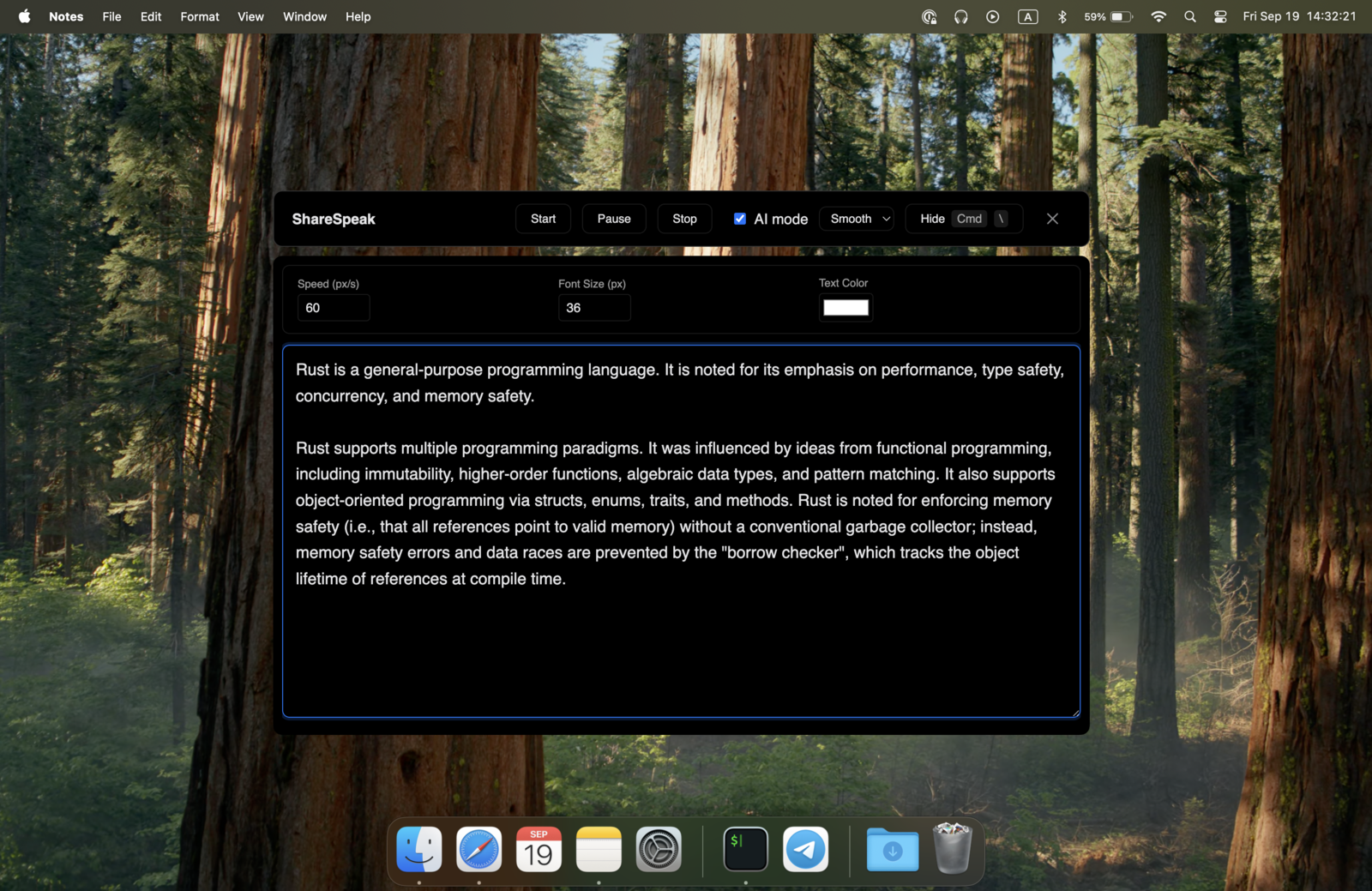
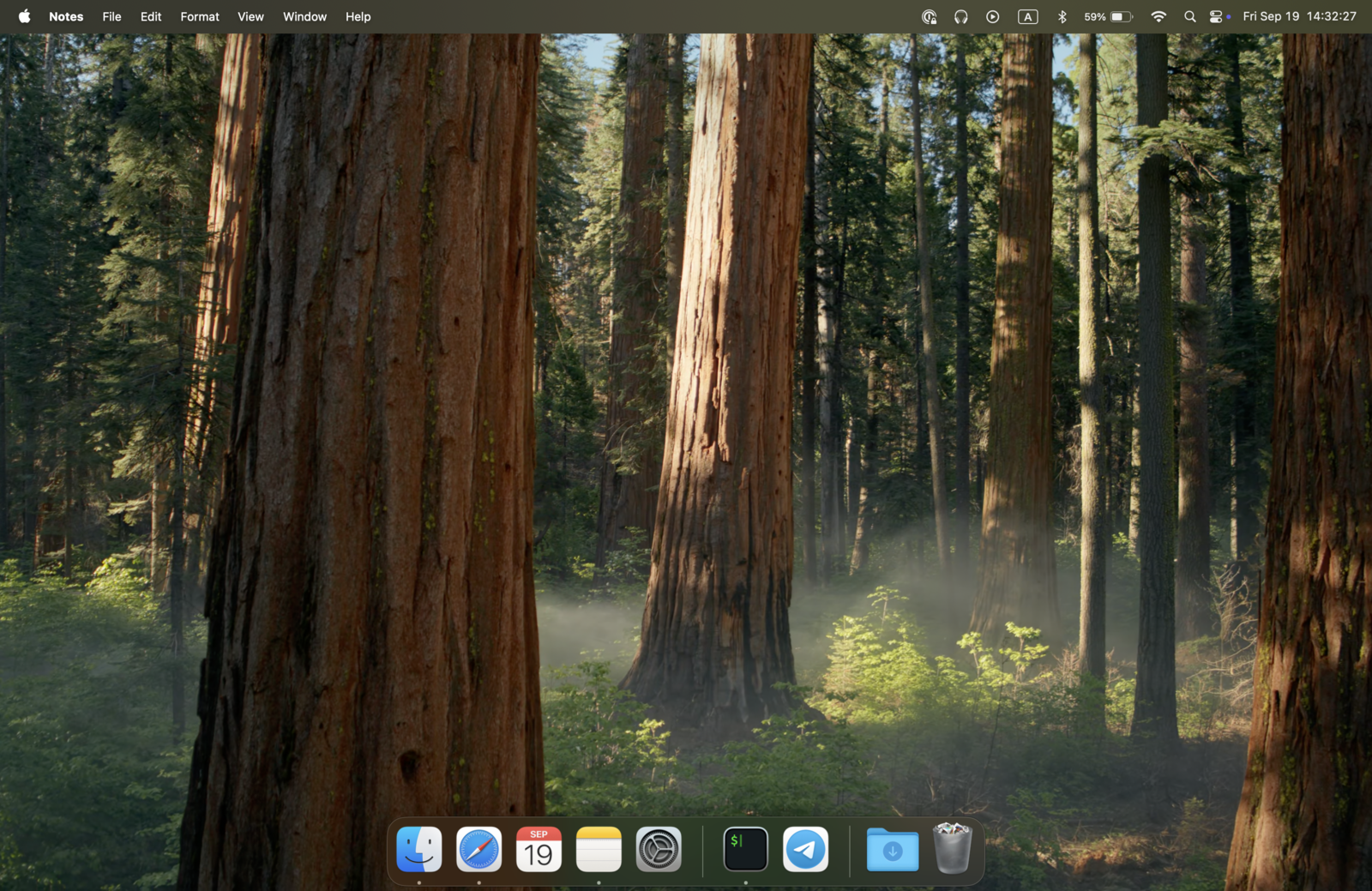
ShareSpeak is invisible at the OS level. You see your script; screen capture software sees nothing. It works as an invisible teleprompter for screen sharing, which is the single biggest reason to upgrade from a browser teleprompter — if you record your screen, this changes everything.
A Real App, Not a Browser Tab
EasyPrompter is a website. That means browser overhead, tab management, accidental closes, and competing for window space with your recording software. You can install it from your browser, but it's still a browser tab under the hood.
ShareSpeak is a desktop application for Mac and Windows. It integrates with your OS window management, uses minimal resources, and overlays on top of any application. No browser, no tabs, no accidental closes. On a PC? Here's our ranked list of the best teleprompter software for Windows.
Cheaper Than EasyPrompter Creator — And You Own It
EasyPrompter's free plan works for basic use, but the moment you need more than 2 saved scripts, scripts longer than 500 words, a phone remote or no watermark, you hit the Creator paywall at $129 a year ($10.75 a month billed yearly). That's for what's still a browser tab with manual scrolling.
ShareSpeak costs $14.99 once, less than one-eighth of a year of EasyPrompter Creator. You get AI voice tracking, invisible overlay, desktop app, and every feature included. No tiers, no upsells, no monthly bills.
Cost Over 2 Years:
- • EasyPrompter Creator: $258 ($129/yr x 2 years)
- • ShareSpeak: $14.99 forever
- • You save: $243.01
Compare to other teleprompters: Imaginary Teleprompter, Teleprompter.com, and FlowPrompter. ShareSpeak stays a flat $14.99 once against every one of them — or browse our full teleprompter alternatives hub.
Overlays on Any App — Not Stuck in a Browser
With EasyPrompter, your teleprompter is a browser tab. To read your script while on a Zoom call, you need to switch between windows or arrange them side by side. Either way, you're losing screen real estate and your eyes are clearly moving between the call and the text.
ShareSpeak overlays directly on top of any application — Zoom, OBS, Google Meet, PowerPoint, anything. Your script sits right where you're looking. No window juggling, no split screen, no obvious eye movement.
No Account, Scripts Stay on Your Computer
EasyPrompter asks you to sign in even on the free plan and keeps your scripts in its cloud so they are waiting the next time you sign in. Your presentation notes and speech outlines live on someone else's infrastructure.
ShareSpeak needs no account and no cloud storage: your scripts stay on your machine, managed by you. With its local Whisper engine (the default on Windows), voice-following works without internet too.
Ready to Level Up from Free?
Screencasters & YouTubers
Record tutorials with your script invisible to viewers. The one feature no browser teleprompter can match — see why it fits a teleprompter for YouTube creators.
Remote Presenters
Present on Zoom with your script overlaid on the call — not crammed into a side-by-side browser tab. Voice tracking means hands-free delivery.
Course Creators
Produce professional lessons with natural delivery. AI voice tracking means you sound conversational, not like you're reading at a fixed speed.
Public Speakers
Practice and deliver speeches on your laptop with voice-paced scrolling. With the local Whisper engine, no internet needed.
Upgrade from Free in 2 Minutes
Download ShareSpeak, paste your script, and experience the difference AI voice tracking makes. For less than one-eighth of a year of EasyPrompter Creator, you get a desktop teleprompter for good.
Use code FIRST100 for 25% off — $11.24 instead of $14.99
Frequently Asked Questions
EasyPrompter has a free plan. Why pay $14.99 for ShareSpeak?
As of October 2026, EasyPrompter's free plan needs an account and keeps 2 saved scripts of up to 500 words, with one viewer display, no phone remote and its watermark left on. Removing those limits takes Creator at $129 a year. ShareSpeak is $14.99 once: it follows your voice, stays hidden when you share your screen, and runs as a desktop app on Mac and Windows.
Does EasyPrompter have voice control?
Not that it lists. EasyPrompter's site (checked October 2026) describes phone remotes, keyboards, pedals, clickers and Stream Deck control, but no voice-following scroll. ShareSpeak follows your voice with speech recognition, so the script moves at your pace without anyone driving it.
Can I use EasyPrompter while screen recording or on a Zoom call?
You can, but EasyPrompter is a browser tab, so it shows up if it's on the screen you share or record. Its OBS and vMix overlay is meant to put the text into your stream, not hide it. ShareSpeak is hidden from screen capture: Zoom, Google Meet, Microsoft Teams, OBS and Loom record a clean screen while you read.
Does EasyPrompter have a mirror mode? Does ShareSpeak?
Both do. EasyPrompter can flip text for a teleprompter glass rig and drive several displays from one operator view, which matters for studios and live stages. ShareSpeak 0.4.2 mirrors its text horizontally, vertically or both and fills one rig monitor in full screen while it follows your voice, but it has no multi-display operator view. Reading on your own monitor, ShareSpeak overlays in the normal orientation next to your camera.
Does ShareSpeak work offline?
Yes, for the parts that matter on a recording day. ShareSpeak is a desktop app with no account, your scripts stay on your computer, and its local Whisper engine follows your voice without internet (the default on Windows; also on Apple Silicon Macs with macOS 15 or later). EasyPrompter's free plan keeps scripts read-only offline; full offline editing starts on Creator.
Should I keep using EasyPrompter's free plan for basic use?
If you only read short scripts now and then, don't share your screen, and don't mind signing in, the free plan works. Once you need voice-following, a script hidden on a screen share, or more than 2 saved scripts, ShareSpeak is the cheaper step up: $14.99 once instead of $129 a year for Creator.
$14.99 Once vs $129 a Year for EasyPrompter Creator
Upgrade from a browser tab to a desktop AI teleprompter. Voice tracking, invisible overlay, Mac and Windows — for a one-time price.
Buy ShareSpeak Now — $14.99