
EasyPrompter Alternative — ShareSpeak: The Upgrade When Free Isn't Enough
EasyPrompter is fine for getting started — a free browser teleprompter with basic scrolling. But when you need voice tracking, invisible overlay for screen recording, and a native desktop app, it's time to upgrade. ShareSpeak is $12.50 lifetime — your next step up.
| Feature | ShareSpeak | EasyPrompter |
|---|---|---|
| Pricing | $12.50 Lifetime | Free / $8-13/mo Pro |
| AI Voice Tracking | ✓ | ✗ |
| Native Desktop App | ✓ | Browser only |
| Invisible During Recording | ✓ | ✗ |
| Works with Any App | ✓ | Browser tab only |
| Linux Support | ✓ | Via browser |
| No Account Required | ✓ | Account for Pro |
| One-Time Payment | ✓ | Monthly subscription |
When You're Ready for More Than a Browser Tab
AI Voice Tracking — Stop Fighting Auto-Scroll Speeds
EasyPrompter's core limitation: you set a scroll speed and hope you match it. Speak too fast and you're ahead of the text. Speak too slow and you're scrambling to catch up. Even their Pro plan with a smartphone remote still just gives you manual speed buttons — no intelligence.
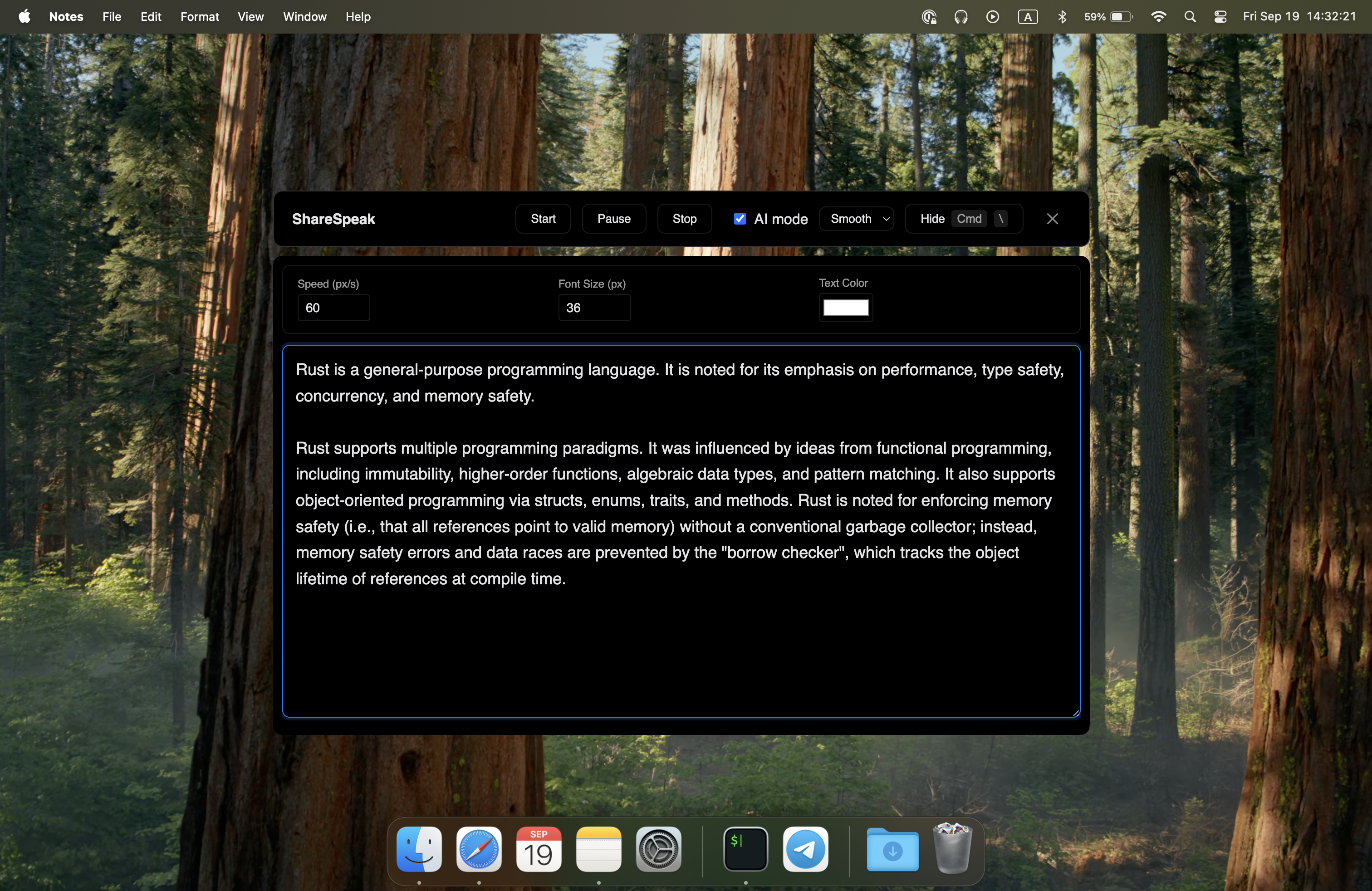
ShareSpeak follows your voice with AI speech recognition. The text moves at exactly your pace. Pause to take a breath — it waits. Speed through a familiar section — it keeps up. Go off-script to answer a live question — pick up right where you left off. No speed dial, no remote, just natural speech.
Invisible During Screen Recording — The Feature Free Tools Can't Offer
EasyPrompter runs in a browser tab. If you share your screen on Zoom, record a tutorial with OBS, or stream on Twitch, your audience sees everything — the teleprompter text, the browser chrome, your tabs, the URL bar. There's no way to hide it from capture.
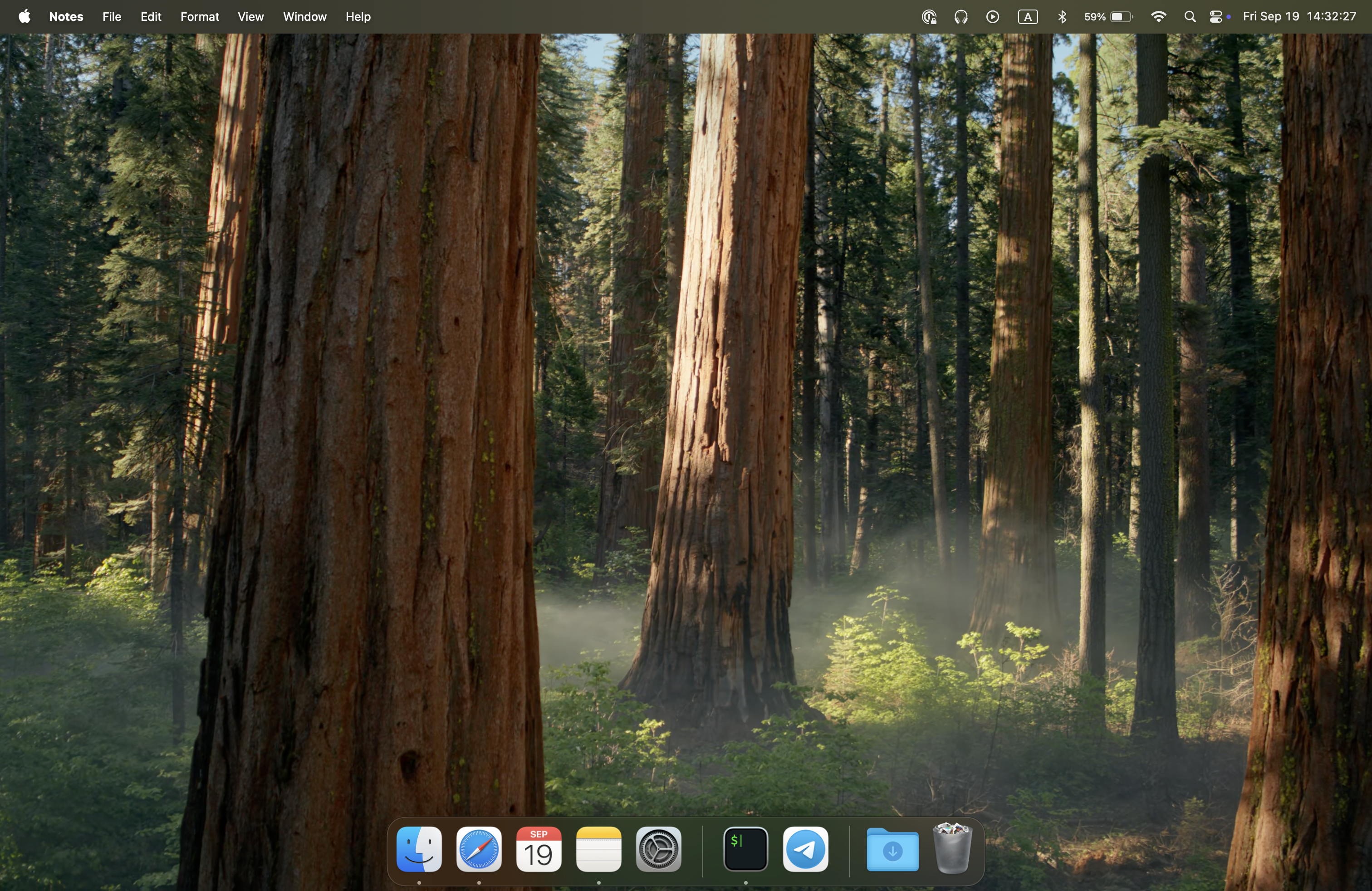
ShareSpeak is invisible at the OS level. You see your script; screen capture software sees nothing. This is the single biggest reason to upgrade from a browser teleprompter — if you record your screen, this changes everything.
A Real App, Not a Browser Tab
EasyPrompter is a website. That means browser overhead, tab management, accidental closes, and competing for window space with your recording software. Their "desktop app" is a WebCatalog wrapper — still a browser under the hood.
ShareSpeak is a native desktop application for Mac, Windows, and Linux. It integrates with your OS window management, uses minimal resources, and overlays on top of any application. No browser, no tabs, no accidental closes.
Cheaper Than EasyPrompter Pro — And You Own It
EasyPrompter's free tier works for basic use, but the moment you need features like adjustable line spacing, a movable eyeline indicator, or smartphone remote control, you hit the Pro paywall at $8-13/month. That's $96-156/year for what's still a browser tab with manual scrolling.
ShareSpeak costs $12.50 once — less than two months of EasyPrompter Pro. You get AI voice tracking, invisible overlay, native desktop app, and every feature unlocked. No tiers, no upsells, no monthly bills.
Cost Over 2 Years:
- • EasyPrompter Pro: $192-312 ($8-13/mo x 24 months)
- • ShareSpeak: $12.50 forever
- • You save: $179 - $299
Overlays on Any App — Not Stuck in a Browser
With EasyPrompter, your teleprompter is a browser tab. To read your script while on a Zoom call, you need to switch between windows or arrange them side by side. Either way, you're losing screen real estate and your eyes are clearly moving between the call and the text.
ShareSpeak overlays directly on top of any application — Zoom, OBS, Google Meet, PowerPoint, anything. Your script sits right where you're looking. No window juggling, no split screen, no obvious eye movement.
Fully Offline, No Account, No Tracking
EasyPrompter stores scripts on their servers for Pro users and requires an account to sync across devices. Your presentation notes and speech outlines live on someone else's infrastructure.
ShareSpeak runs entirely offline. No account, no cloud storage, no tracking. Your scripts stay on your machine, managed by you. Download, install, use — that's the entire workflow.
Ready to Level Up from Free?
Screencasters & YouTubers
Record tutorials with your script invisible to viewers. The one feature no browser teleprompter can match — and the reason to upgrade.
Remote Presenters
Present on Zoom with your script overlaid on the call — not crammed into a side-by-side browser tab. Voice tracking means hands-free delivery.
Course Creators
Produce professional lessons with natural delivery. AI voice tracking means you sound conversational, not like you're reading at a fixed speed.
Public Speakers
Practice and deliver speeches on your laptop with voice-paced scrolling. No internet needed — works fully offline.
Upgrade from Free in 2 Minutes
Download ShareSpeak, paste your script, and experience the difference AI voice tracking makes. For the price of less than two months of EasyPrompter Pro, you get a native desktop teleprompter — forever.
Use code FIRST100 for $12.50 price
Frequently Asked Questions
EasyPrompter is free. Why pay $12.50 for ShareSpeak?
EasyPrompter's free tier is a basic browser teleprompter with manual scrolling. ShareSpeak gives you AI voice tracking, invisible screen overlay, native desktop app, and offline support. If you record your screen or present on video calls, these features are worth far more than $12.50. And if you'd need EasyPrompter Pro for advanced features, ShareSpeak is cheaper — $12.50 once vs $8-13/month forever.
Does EasyPrompter have voice control?
No. EasyPrompter uses manual scroll speed controls and keyboard shortcuts. Even their Pro plan with smartphone remote control is still manual — you tap buttons to adjust speed. ShareSpeak uses AI speech recognition to follow your voice automatically.
Can I use EasyPrompter while screen recording?
Technically yes, but the teleprompter text will be visible in your recording since it's a browser tab. ShareSpeak is invisible to screen capture software — your viewers see a clean screen while you read your script. This is the main reason creators upgrade from browser-based teleprompters.
Does EasyPrompter have a mirror mode that ShareSpeak doesn't?
EasyPrompter has mirror mode for hardware teleprompter rigs with beam splitter glass. ShareSpeak doesn't need it — it overlays directly on your screen in the correct orientation. Mirror mode is a physical teleprompter feature, not something you need when reading from your monitor.
Does ShareSpeak work offline like EasyPrompter?
Yes — and better. EasyPrompter can work offline once loaded but can't save new scripts without internet. ShareSpeak is a native app that works fully offline from the start. No loading required, no sync limitations.
Should I keep using EasyPrompter's free version for basic use?
If you just need to read a script occasionally and don't record your screen, EasyPrompter's free tier works fine. But the moment you need voice tracking, invisible overlay for recording, or a native desktop experience, ShareSpeak is the natural upgrade — and at $12.50, it costs less than upgrading to EasyPrompter Pro.
Less Than 2 Months of EasyPrompter Pro = ShareSpeak Forever
Upgrade from a browser tab to a native AI teleprompter. Voice tracking, invisible overlay, all platforms — for a one-time price.
Buy ShareSpeak Now — $12.50